
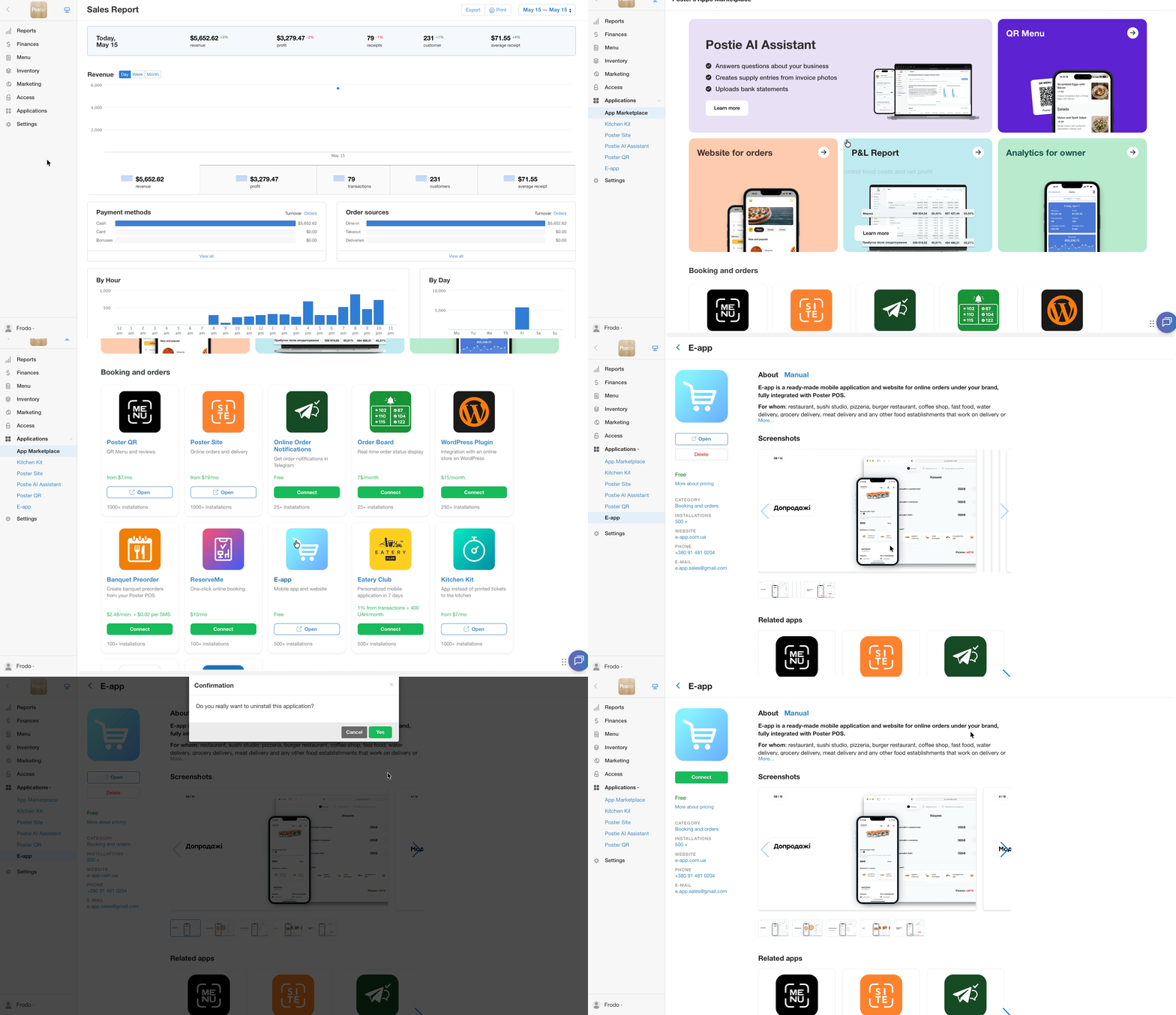
To delete an app:
- In the management console, go to Apps → All apps.
- Find the app in the list.
- Click the integration icon.
- On the page that opens, select Delete.
To check the updated cost of your pricing plan after deleting the app and make a payment, go to Settings → Billing.