
Poster supports the following scale connection protocols:
How scale integration works in Poster
Poster connects not to a specific scale model, but to the data exchange protocol the scales use.
If your scales support one of the protocols supported by Poster, you can try connecting them to the POS.
☝️ However, support for a protocol does not guarantee compatibility with every scale model.
To connect scales configured for use with the Poster POS:
- Open the Poster app and enter the employee PIN code.
- Tap the ≡ button in the top-right corner and open the Devices tab.
- Go to Other devices.
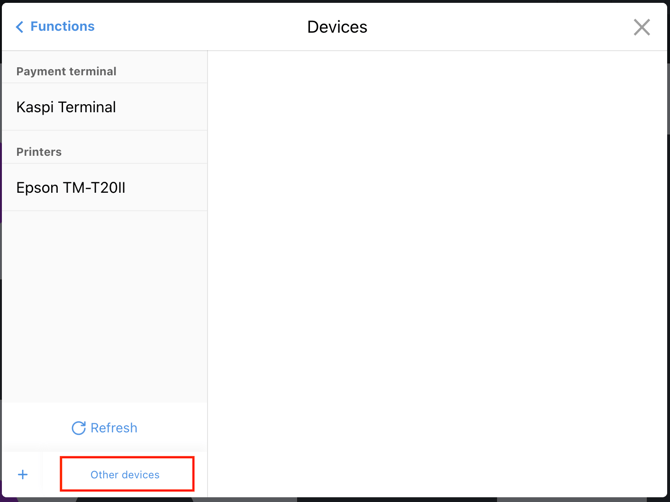
- In the Integrations section, select the required protocol.
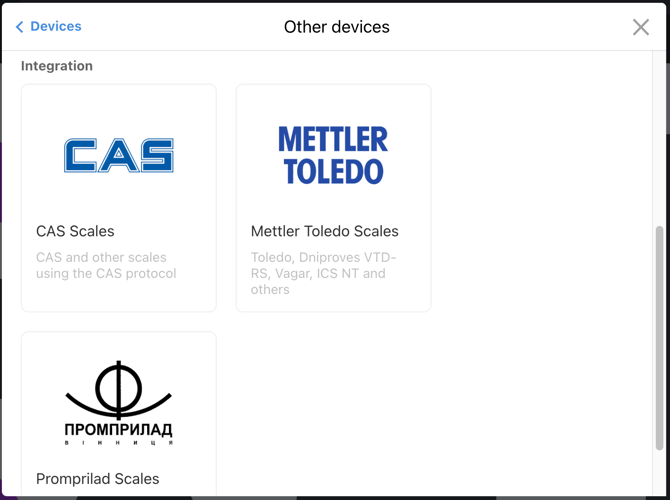
- Click Connect the device.
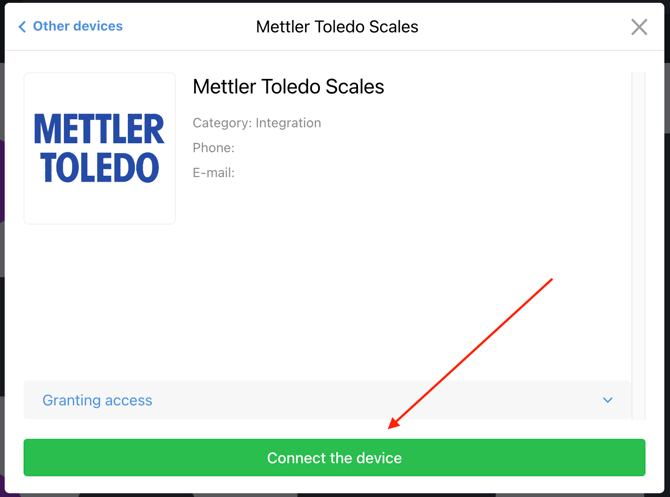
- After connecting the scales, open Go to device settings.
- Open the Devices tab in the Poster POS app. Make sure the scales appear in the general list of devices with the Ready to use status.
Mettler Toledo
The following scale models have been tested with the Mettler Toledo protocol:
- Dniprovese VTD-RD;
- Dniprovese VTD-RD1.
CAS
The following scale models have been tested with the CAS protocol:
- Dniprovese VTD-RD;
- Dniprovese VTD-RD1.
Promprilad
The following scale models have been tested with the Promprylad protocol:
- Dniprovese VTD-RD;
- Dniprovese VTD-RD1;
- VIS Promprylad VTA-60.
☝️ If you connect the VIS Promprylad VTA-60 scales using the Promprylad protocol, calibrate the scales and set the protocol to «0».
What if the scales use a different protocol?
If your scales use a protocol that isn’t supported by Poster’s ready-made integration, connecting them will require a custom integration. A third-party developer can integrate your device with Poster using the API methods.
Limitations
- Do not manually change the product weight at the POS — when scales are connected, the POS receives the weight value only from the device.
- Poster supports the following scale protocols: Mettler Toledo, CAS, and Promprilad. If your scales use one of these protocols, try connecting them to Poster.
☝️ However, compatibility with a specific scale model is not guaranteed. - If your scales use a different protocol, connect them to Poster using a custom integration through the Poster API.
What to do if you cannot connect the scales
Check whether you have selected the correct protocol on the scales and whether the scales and the Poster POS are connected to the same local network.
If the issue persists, contact us via chat — we will help you connect the devices.